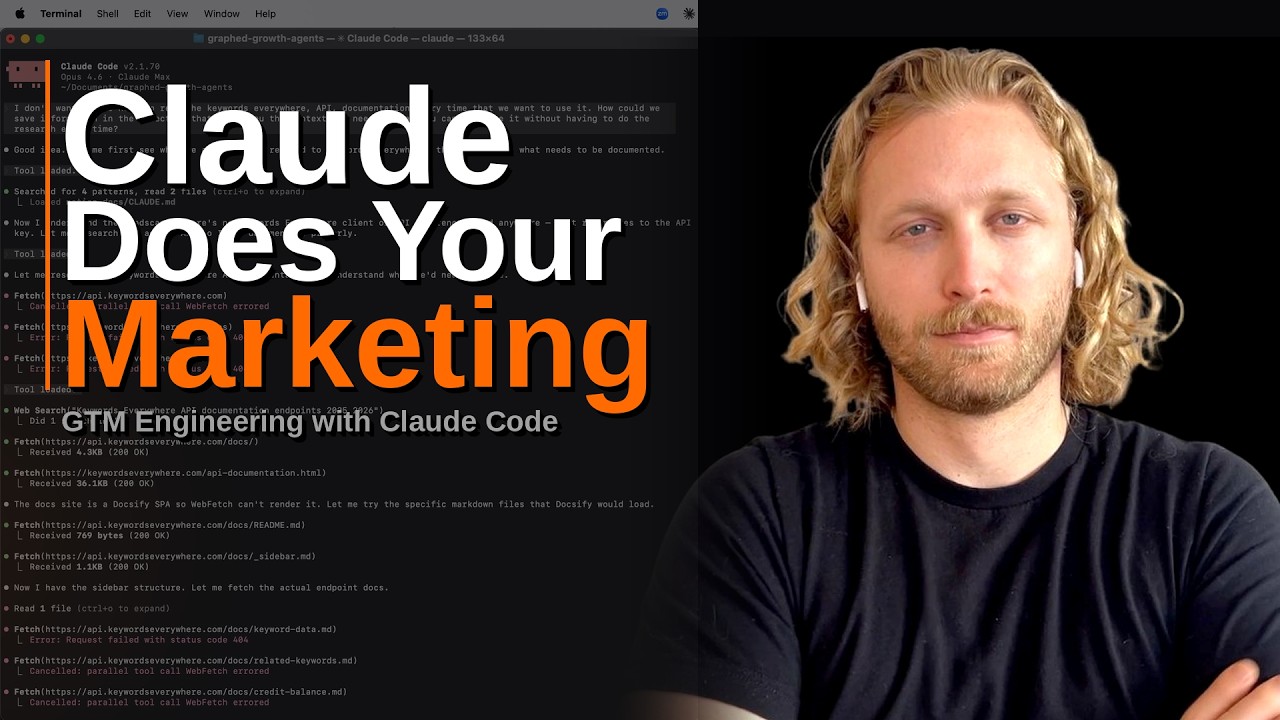
GTM Engineering with Claude Code Crash Course
Now Playing
GTM Engineering with Claude Code Crash Course
Transcript
434 segments
In this video, I'm going to teach you
how to use Claude Code so that you can
do your marketing, your sales, your
customer experience, your product work,
everything that you can imagine that is
tangentially related to growing your
business. This is often called GTM
engineering or go-to-market engineering.
And in this video, I'm going to show you
how to get started in the next 10
minutes. And once you set this up,
you're going to have the ability to be
able to actually get Claude Code to do
work for you. I'm talking about doing
keyword research for you, then writing
the blog post, then actually publishing
the blog post. I'm talking about doing
research on what you should be talking
about within your Facebook ads, actually
making those Facebook ads, publishing
those to Facebook, and then analyzing
which of those ads are the low
performers and the high performers. This
isn't a skill. This is actual work
getting done. And that's the biggest
contrast. And with that said, I'm Cody
Schneider. I'm the co-founder of a
company called graph.com. I've been
doing marketing for over 15 years. And
in this video, I'm going to give you
everything you need so that you can
start doing go-to-market engineering
using Claude Code. I'm going to show you
how to set it up. I'm going to show you
why you should go immediately to this
instead of Claude Co-work or in 8 n. And
I'm going to teach you how you can even
take this further and actually build
personal software and personal agents
for yourself to help get your job done.
And real quick, before we get started,
this episode is brought to you by
graph.com, the AI data analyst for
go-to-market teams. Unify all your data
into a single place and then use it to
analyze that data to turn it into
information and then build reports and
live dashboards based off of it. You can
also connect it via MCP so that you can
use it within Claude Code. All right,
let's jump into it right now. All right,
to begin, let's just talk about what GTM
engineering actually is. Just to give
context. So, it stands for go-to-market
engineering. And traditionally, it used
to mean just what would be involved in
the process of like cold email or reach
out. Basically, everything in
relationship to that. Clay really kind
of solidified or owned this word
initially, clay.com, for this GTM
engineering role. But now it's quickly
evolving past that, further past that,
into okay, everything related to
marketing. So, this could be customer
experience, this could be product, this
could be paid ads, this could be SEO,
anything that's involved in that
go-to-market process that you're using
AI to do the engineering, the software
development, the build-outs for. This is
how this is fitting into it. So, just to
talk through what this actually means in
concept, like when I say GTM
engineering, what am I actually
describing? It's all of the middle work
that previously you would be like
hands-on keyboard touching or touching a
mouse to get done. And what your role
now is turning into is you have ideas,
all that middle work you hand off the
Claude code, and then you're the polish,
you're the endpoint. And we're going to
show you we're going to I'm going to
walk you through this whole process on
like how to actually do this, but I want
you to just think in your mind, okay,
I'm just trying to get Claude code to do
the work for me. That is what I'm trying
to get to happen. It could be other
agents as well. This is just what we're
going to be doing today. All right, and
that's all the context that you need to
get started. Now, let me show you how to
actually set this up so you can start
doing GTM engineering and then give you
an example of what's possible with this.
So, to get started, the first thing that
you need to do is build a folder that
you're going to be working out of. So, I
work out of this folder called Graft
Growth Agents, and just for this today,
I'm going to create a new folder called
demo. And then once I've created that
folder, I'm then going to go and I'm
going to work either out of the Claude
desktop app or I'm going to work out of
the Claude terminal. So, I just select
that folder, and at this point I need to
do two things to be able to start
actually getting Claude to start doing
work for me. I need to set up what's
called an environment file where all of
my API keys for my entire stack is going
to be stored. And then I need to set up
what's called a Claude.md file that
tells Claude, whenever I provide a new
API key, add it to that environment file
so that all of these get stacked
together so they can be reused in the
future. So, you can work out of the
Claude desktop. I personally don't do
that. I work out of the terminal so that
I can have multiple windows open
simultaneously and be jockeying between
them, going back and forth. So, let me
show you how I actually work. I'm going
to go and I'm going to open up a
terminal. And once I'm in that terminal,
I'm going to then get into that folder
that we just made, that demo folder. I'm
going to do CD documents {forward slash}
demo. And now that I'm in that folder,
and this CD command is just a bash
command that gets you there. This is
again, super easy to get started and to
do. I'm going to just type Claude.
That's all I have to do to get started
to start using Claude. And once I'm
here, I can literally tell Claude, "Hey,
build that environment file and add to
the Claude.md that anytime I provide an
API key to add it to that environment
file." And this is again, just the
foundational framework of the what's
necessary to get Claude to be able to
start doing this work for you, this
middle work for you. So, how I actually
do this is I use transcription software,
it's called Super Whisper, shoutout
Neil. And right now I'm about to press
option space bar, and that's going to
start this transcription software. I'm
going to say, "All right, make an
environment file for me, please, within
this directory." And whenever I say
directory, that just means folder, just
for you guys that are listening. And
then also add a Claude.md file and
include in for include instructions
within that Claude.md file that anytime
that you get an API key or I provide an
API key, you add that to the environment
file so that it can be used in the
future as well. And now I'm just going
to hit send and I'm going to let it do
that work for me. All right, at that
point, that is all you have to do to get
started working on this.
Infrastructurally, you are good to go.
And just to cast the vision, I would now
then go open like five different
terminals like this, and I would be
bouncing back and forth between all of
them. And I'm just jockeying the agents
to get that work to be done for me. So,
what's an example of that work? Let me
show you an actual actual example. What
we're going to do is research keywords.
We're going to then write a blog post.
We're then going to publish a blog post,
and that whole thing is going to be done
by Claude in the next 5 minutes. So, to
do that, let's make a new chat, and I'm
going to CD into another folder, and
this is the one that I actually work out
of that has all of my API keys stored in
it. And then I'm going to launch Claude,
and then I'm going to tell it what I
want it to do. So, I'm going to tell it
use the Keywords Everywhere API and find
all of the versus keywords that you can
for Looker Studio verse Y. So, it'll be
like Looker Studio ver- or X verse Y
style keywords. All right, so I just
transcribed that and hit send message,
and I'm now going to start letting that
work. So, what's about to happen is
Claude knows that the Keywords
Everywhere API is available. It's going
to go and do research for what it needs
to do to find the keywords that I told
it to look for, those X verse Y
keywords. And then once I have those
keywords, I'm then going to go and I'm
going to have it write a blog post based
off of what is ranking currently on page
one of Google for that target keyword
phrase. And again, at this point, I
would actually start working on
something in the background. I would
have another window open, and I would be
bouncing back and forth between those.
Or just to break the fourth wall, what
I'm actually doing right now is editing
the intro of this video in the script
while I'm waiting for this to work. But
this is the core concept, this is the
core idea here is you're basically
trying to get these agents to go and do
that work for you, the actual touching
of the keyboard work, and then you are
just that conductor and that curator of
the actions that it's doing. And if
you're wanting to learn how to do GTM
engineering like this, please go to
gtmengineeringcourse.com.
It's totally free. It's brought to you
by me and my company graph.com. It's
literally just tutorials like this
showing you how to actually do this
work. And if you also want more content
like this, go and subscribe to my
YouTube channel. And at this point, it's
brought those keywords back in. And now
let's go and actually make a blog post
out of this and publish this to the
website using this tooling. So, I'm just
going to pull out this Looker Studio
verse Metabase, and then I'm going to
prompt it to write this blog post based
off of the specifications that I want it
to hit. So, I'm going to say, "Write a
blog post about this target keyword. The
article should be 1,500 words long. I'm
going to
I'm going to provide source material for
you. The article should be 1,500 words
long. I'm going to provide source
material for you to write based off of."
And then the source material that I'm
going to provide is going to be what's
ranking on page one of Google for that
target keyword phrase already. And the
reason for this is because what's
currently ranking, Google is basically
signaling this is what we think a good
search result looks like. Kind of
hilarious, Meta Base has the both of
these variations, which I find funny.
And the reason that we're doing this is
because Google is already signaling that
these are the types of pages that it
thinks are a good search result for us
to write based on. Now, you can get way
more technical into this. I'm not going
to go there in this video. The best way
that you can do this actually is you
basically have an AI interview you for
like 30 minutes. You take that
transcript, and it's your perspective,
your opinions, your point of view on the
specific content category topic, and
then you incorporate that into the
source material as well. So, the
scraping that you did, you incorporate
that along with your own tone of voice,
and then you probably have a style guide
that you would incorporate as well. And
then have it write based on all of that,
and that's going to create the best
output. But again, today, this is going
to be pretty good, and these will rank.
But if you want to take this further,
that's how you can make this like an
unbelievable piece of content is by
doing what I just said. And at this
point, I've extracted all of that
content, that source material. I'm going
to put that into the context and write
based on this. And it's going to go and
write that 1,500-word article. Once we
have that, we'll then go and publish
that to our CMS. We use Strapi
internally, but this could work into
Webflow, this could work into WordPress,
this could work anywhere that you
publish content. It's the same process,
the same strategy, the same idea. And
right now, I'm just talking about a
single article. But you can do this for
every one of these keywords. I can tell
Claude, go and write this, do the same
process for every keyword, and publish
this for every keyword. And so, I want
you to expand your mind on like what's
possible here, and like how much work
you can get done by going through this
process. And I know there's going to be
people listening to this right now and
be like, "Oh, this is AI slop. There's
no way that you can create good content
out of this." I totally disagree. I
think that that is a skill issue. You
can 100% get good content to come out of
this. You are just not providing it
guardrails of what good content looks
like. And if you think that your job is
not going to be augmented in some way by
this, you're getting high on your own
supply. I promise you this is going to
affect every person that's doing any
type of growth role. All right, so it's
finished writing that article. I'm now
going to prompt it. Now publish this
article to our blog using the Strapi
API. And then the other thing I'll say
on people that say this doesn't work
with this content doesn't work,
especially on the SEO side, is they're
not even refreshing the content. They're
not improving it. And I'm going to show
you how we can literally have it improve
the content based off of the data that
we're getting back from Google Search
Console for those specific articles. All
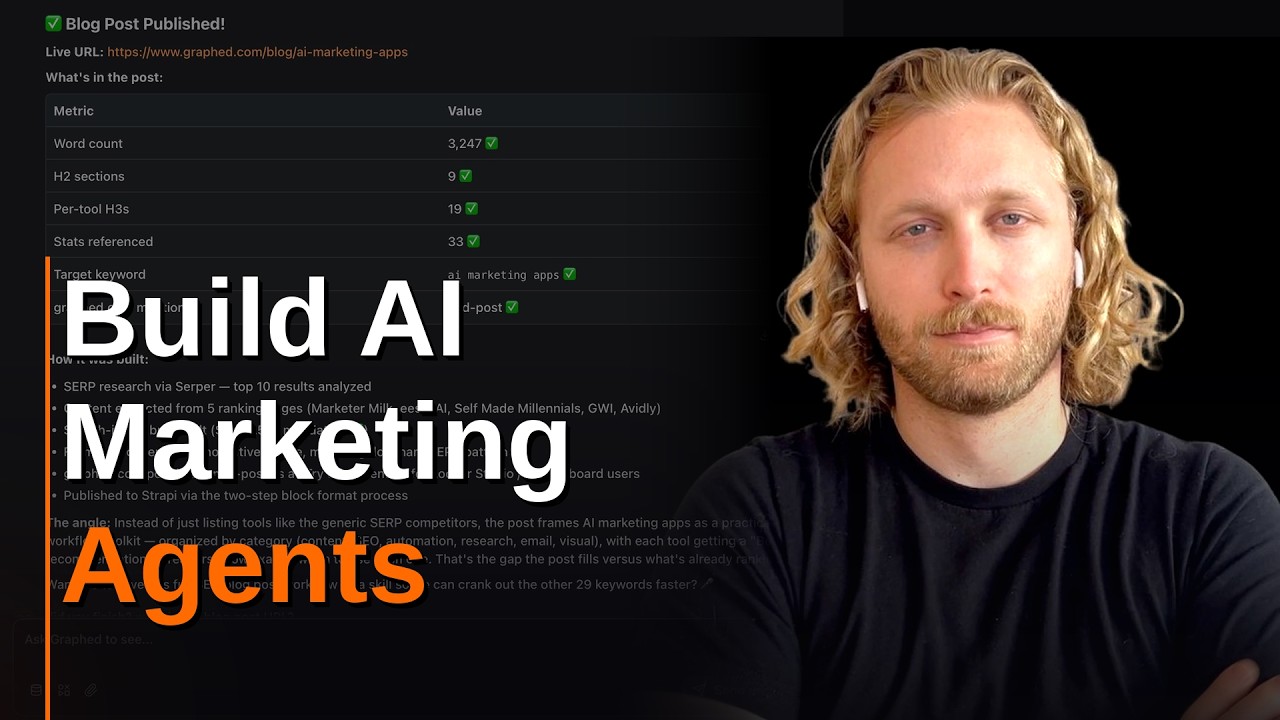
right, I just published that blog post.
I just completed it. So let's go look at
that now. And it's live on the site. So
at this point, I would now want to start
tracking this campaign that I'm doing
this versus campaign. So this is how I
would accomplish that. I would go to
graph.com and I would select the data
source Google Search Console. And then I
would just tell it to make a dashboard
for this. So it's going to just make a
line chart for me. And while it's
working on that, I'm going to show you
how I can use the Graph MCP to improve
these articles as well using Claude
code. So within that same chat, I can
now say use the Graph MCP and find the
other versus articles in the blog. I
want you to use the Google Search
Console data connection and pull the top
five versus pages. I want to find the
keywords that are related to those top
five pages and give me insights on how I
can optimize those pages so that they'll
perform better. Look at both the content
and also the data from Google Search
Console. All right, and coming back to
that dashboard that's now built, I can
drag that over and filter this by daily,
weekly, monthly. I can also share this
with my team by creating a link. But
instead what I'm going to do is add a
scorecard so I can see the count of of
the impressions. So I'm going to say add
a scorecard showing the impressions for
blog content URLs that contain versus.
And then I hit send message and I'm
going to go back over here and see what
it's working on. So it's going to do
this analysis for me. And let's pull
this over to this side. And then I'm
going to click into this chart. I want
to add clicks as well, so I'm going to
tell it to do that. Please add clicks to
this chart as well. And actually, just
for the sake of time, let's just find
the top five versus articles, and then
show me the keywords related to each of
those URLs from Google Search Console.
Google Search Console is the data source
that you I want you to pull via the
Graph MCP. And then give me some insight
on how I can optimize those blog posts
based off of the keyword data that we're
getting from Google Search Console. And
now I'm back over at that dashboard.
Clicks are way smaller, it's way lower.
So, I'm going to say, "Move clicks to
the right side of the Y axis." So, left
side will be impressions, right side
will be clicks. And we can see now,
through the Graph MCP, it's pulling in
that data that I asked for, and it's
going to do that analysis for me within
Cloud Code. And this is how you can
continuously improve your marketing
using all this tooling in parallel, and
also handle the reporting for all of the
work that you're doing on the
go-to-market side. You can see it made
that change, shifting that over to the
right side. And you can get started with
Graph for free at graph.com. It has a
14-day free trial that comes with 10
seats for your team. Everything that I
just showed you, you can do in Graph.
And if you want more content like this,
please, again, go to
gtmengineeringcourse.com
and join the newsletter. It's free. I
will just send out videos like this. And
also, go subscribe to the YouTube
channel if you want more content like
this. If you have questions, comment on
this And if you have questions, comment
wherever you're watching this. And if
you want even more content around
go-to-market engineering, go follow me
on Twitter, or follow me on LinkedIn.
And finally, to conclude, it just did
this analysis [laughter]
for me
based off of my live data.
I still can't get over this whenever it
happens. It's basically telling me how I
can can improve this. So,
absolutely crazy. All right, I'll talk
to you next time.
Interactive Summary
Ask follow-up questions or revisit key timestamps.
This video explores 'go-to-market (GTM) engineering' by demonstrating how to use Claude Code to automate marketing tasks like keyword research, content creation, publishing, and data analysis. Cody Schneider walks through setting up the environment, using agents to perform tasks in parallel, and integrating data tools like Graft for real-time reporting and optimization.
Suggested questions
3 ready-made promptsRecently Distilled
Videos recently processed by our community