AI Agents for Marketing are Actually HERE - Full Build of Your First One
Now Playing
AI Agents for Marketing are Actually HERE - Full Build of Your First One
Transcript
250 segments
AI agents for marketing are here and
it's going to totally change how you're
going to grow your business. These
basically function as employees that you
can delegate tasks to and they can just
go and run the operations for a specific
marketing tactic that you're doing. For
example, like your Facebook ads or your
Google ads or your cold outbound. And
what's fundamentally different than AI
chats from before is that these systems
can evolve. They can learn from what you
teach it and they can ingest skills that
you provide to it. So you can almost
upload knowledge into them like the
Matrix. I'm Cody Schneider. I'm the
co-founder of a company called Graft.
I've been building online businesses for
the last 15 years of my life. And in
this video, I'm going to show you how to
build your first AI agent for marketing
and then I'm going to cast the vision of
where this is going and how this is
going to entirely change how companies
grow themselves in 2026. For the first
time ever, you can have these virtual
employees that are connected to your
business data that are making decisions
about your go-to-market motions based on
what actually drives the revenue for
your company. With that said, let's get
started. All right, so for this build
today, I'm going to be doing it entirely
on Graft. It has access to my live
business data and it also has the
ability to build these agents out and
run them in persistence in the
background. So, what we're going to do
today is create an agent that does
keyword research based off of our live
Google Search Console data, our Ahrefs
API that we've given it. We're going to
have it go and research keywords, then
find what is ranking on page one of
Google for those keywords, extract the
content and put that into the context
window and then write blog posts based
off of what is currently ranking and
publish those to the blog and then turn
this into a recurring action that it's
doing on a daily basis. All right, so
let's get started and actually do this.
So, I'm just going to prompt it to begin
with something like this. All right, use
the Google Search Console for graft.com
and use the Ahrefs API key to go do
keyword research for keywords that are
related to AI for marketing. And now I'm
just going to go and I'm going to hit
send message and the agent's going to
start working on this. And the reason
I'm starting with just the small
bite-size task is I'm going to teach it
this process, how to actually do this.
Just like I would teach an employee,
step-by-step kind of walking them
through it and then building and then I
can build this process, what I teach it
into a skill that it can use in the
future. I'm basically building the
memory up on this activity that it's
going to be doing for me. And it's just
working on the task that I provided it
still, but I just realized that we left
on the Snoop Dogg function. So, we told
the agent to respond as Snoop Dogg. So,
it's pretty funny to show this in the
demo. All right, so it just completed
that initial research, but I don't want
it to write about anything that's
already published. So, I'm going to tell
it that. I'm going to say, "Add this to
your memory so that we don't publish
content that's already been written
about. So, go and look at our CMS,
Strapi, using the Strapi API to make
sure that we haven't written about that
keyword, that target keyword, already in
the past." And I'm also going to tell it
now that we're going to be writing blog
post content. So, look for keywords that
have a search intent that a blog post
would be a better result and then let's
rank stack these keywords. So, let me
say that now. So, for these keywords or
for this function that you're going to
be doing, we want to look for keywords
that have a search intent that is a blog
post, not like a landing page, etc.
Let's go and rank stack these keywords
now and which have the largest
opportunities. I want you to rank stack
30 of them that have the biggest
opportunities for us and that are the
closest to our product. Like the search
intent is related to our product,
graft.com. And then I'm going to hit
send message, let it work on that. All
right, so it's responded back with this
rank stack list of keywords now, but I
want it to focus on stuff that's have a
lower keyword difficulty just so that
it's more possible for us to be able to
rank for. So, I can tell it that. But
just to keep the But just to keep this
But just keep the video rolling, what
I'm going to do is have it now go and
write actually one of these blog posts
and teach it that process of the blog
post writing. So, I'm going to say, "All
right, we're going to write a blog post
for AI marketing apps, that target
keyword. To write this blog post, you're
going to use the surfer.dev API key to
find what's ranking on page one of
Google currently for that target keyword
phrase and then you're going to use the
Exa AI API to go and extract the content
from those pages that are ranking on
page one. And the reason for doing all
of this is we're basically writing for
that target keyword based off of what's
ranking currently." And then I'm going
to hit send message. Now, what I've just
done here is I've now taught it how to
do keyword research and I'm now teaching
it how to actually research the content
that it should write for this article.
And I could take this even a step
further and this is actually what you
should do is you should then provide
your own views on the space, on the
industry that you're writing about so
that the agent will write both from what
is ranking currently and your own
personal perspective. How I do this is I
actually provided a transcript of my
view on what is happening within
whatever it is I'm writing about and
provide that as source material so that
when it's writing for that target
keyword, it's bringing in both of these
things. So now, it's pulled in those
search results via Surfer. It's now
going to use Exa to go and extract the
content from those search results and
then it's going to put that into context
and write the blog post based off of
that context that I provided. All right,
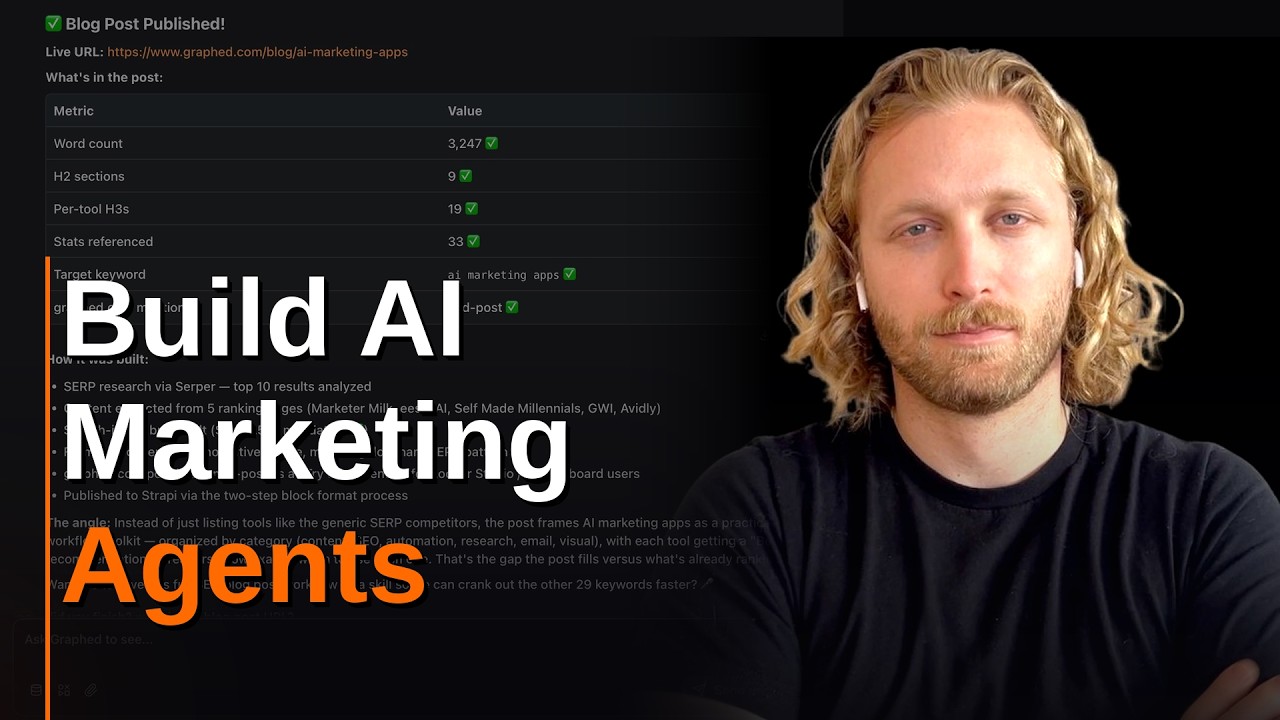
so it just got done writing this. The
blog post has been published via the
Strapi API to the CMS. You can actually
go to that page. This is great, awesome,
cool. We just did some work entirely by
agents, but now I want to turn this into
a recurring task for the agent. So, I'm
just going to tell it that. Now, I want
you to turn this into a recurring task.
You're going to publish a blog post like
this on a daily cadence. So, you're
going to do this whole thing, do the
keyword research, decide which keyword
is the best to focus on, research what
the article should include and then
actually publish that to the live site
and do that daily. Just one article a
day. And then I'm going to hit send
message and that's it. This is now a
workflow that's running on a daily cron
job. You just built your first AI agent
employee that's doing some type of
marketing task for you. And what I've
just shown you is just a single thing
that you can do. Any process that you
have, you can go and teach this agent to
go and do that for you. You can have it
manage your Facebook ads automatically
so that if they turn off ads that get to
a CPMR that is too high. You can have it
run your Google search ads by providing
a budget and then saying optimize for
this specific user conversion action.
You can have it manage your social
media, research posts, schedule them and
then analyze the data to see what's
getting the most engagement and
traction. You can have it do cold
outbound by finding target accounts,
going extracting their emails using the
Apollo API, validating those emails,
adding them to Instantly and then
actually responding to and managing the
entire cold outreach process. And the
biggest thing about this is that it's
connected to your live business data.
So, the agent is making decisions based
on the actions that are actually
creating revenue for your business. For
example, this blog post that we just
published has this call to action. I can
tell the agent to optimize for the
conversion event, which is the sign up
and then let that influence its
decision-making on what it writes next.
And this is all possible because you're
streaming in all of your live business
data from Graft and the agent has access
to that. This enables it to do data
analytics and you're not going to run
into any errors where you're hitting API
rate limits or having MCP failures or
truncation issues or context window
bloat on the data that you're pulling
from these data sources because this is
a data pipeline, a data warehouse and
the underlying infrastructure that
enables you to actually build these
agents. All of that is tied together.
And this is where agents have failed
largely previously is that they don't
have this accurate data. They can go and
do things, but the decisions that they
were making were bad decisions. So, the
data is a piece of this and then also
the constant learning memory is another
piece of this, which we built into these
agents. And what you just watched is
going to go live to all Graft users. If
you want to do get started with this, we
want to do this with you. Use the form
below to reach out or you can reach out
to me directly. We'll get you
on-boarded. I will personally set this
up for you. I will set up your initial
agents for your company. And if you like
this video, send it to somebody and also
follow me. I'm going to be doing content
like this on a daily basis showing you
how to build agents that do your
go-to-market. All right, later.
Interactive Summary
Ask follow-up questions or revisit key timestamps.
This video introduces the use of AI agents for marketing automation, specifically demonstrating how to build a virtual employee using the Graft platform. Cody Schneider shows how to connect an AI agent to live business data and APIs (such as Google Search Console, Ahrefs, and CMS tools) to automate complex, recurring tasks like keyword research and blog post creation. The presentation emphasizes that unlike traditional AI chatbots, these agents can learn, maintain memory, and make data-driven decisions that directly contribute to company revenue.
Suggested questions
3 ready-made promptsRecently Distilled
Videos recently processed by our community